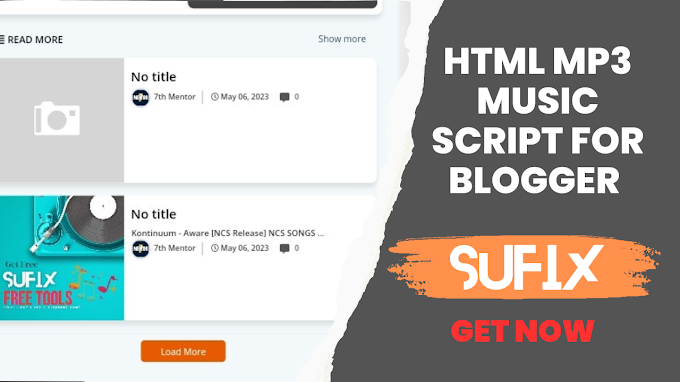
How to Add a Beautiful Music Player to Your Blogger Blog Post Khalid Khan Rind
How to Add Music Player to Blogger Website If you are using Blogger website, you know that Blogger website doesn't have music player feature like we have in word press as plugin but you can add music player in your blogger too. are

In today's article, I will tell you how to add music player to blogger website. We will see how you can add this music player feature to your blogger website. As we can use in word press website. So, I will tell you how to add this music player feature to your blogger website.
You can add your own .mp3 file for online music on your blogger website. Take a look at the music player below.
1: Go to the post and paste the following html code there,
2: Edit the HTML code and paste the direct link of your music file in Google Drive at the required place and write a short description about the singer or song.
3: Finish editing and publish the post
Add the following codes to your blog post in HTML view to add music player to Blogger website.
use this code and copy it .. ....................................................................................................It is emphasized again that
Don't forget to change the track name, artist name, track cover, and track source in the script.